
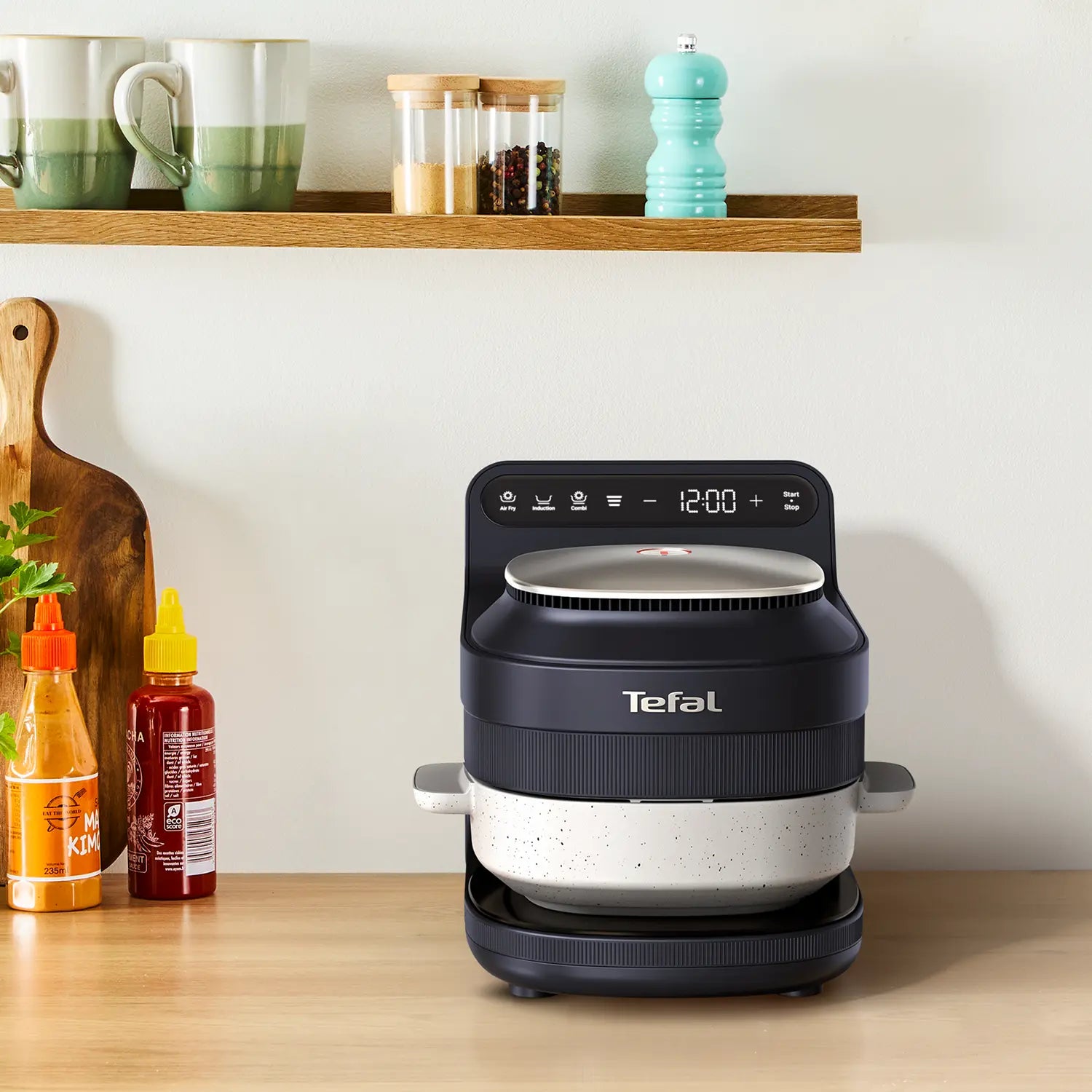
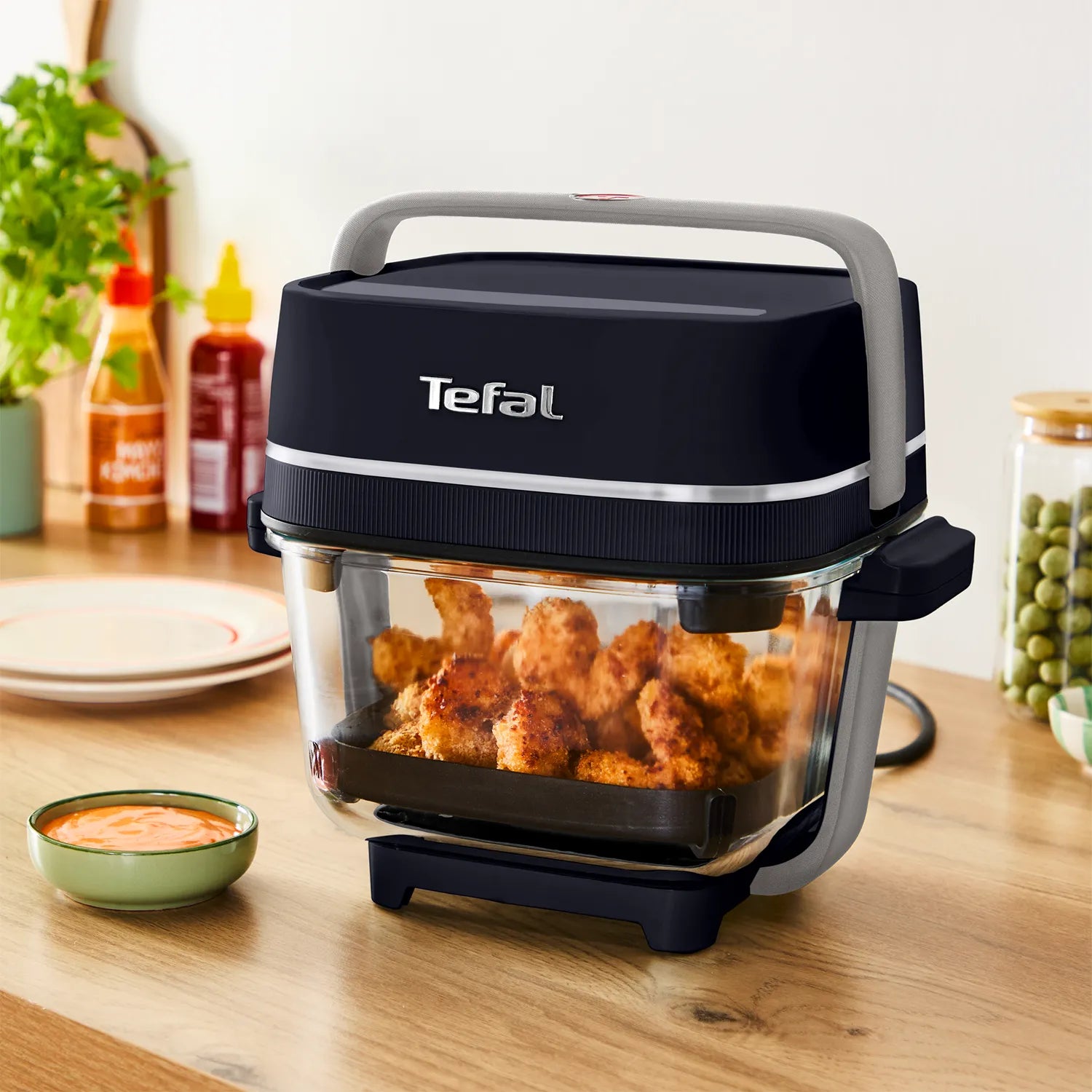









The Tefal YumMeal Personal Cooker was designed to make homemade meals easier from start to finish. With one bowl for prep, cooking, eating and cleaning, it removes many of the steps that make cooking feel like hard work.
But Tefal YumMeal doesn't stop there. When paired with the free My Tefal app, the experience becomes even simpler, giving you access to 60+ guided recipes designed specifically for your YumMeal.
How to Access YumMeal Recipes in the My Tefal App
Getting started only takes a few minutes.
Step 1: Download the My Tefal App
Download the free My Tefal app and create an account. Available on iOS and Android.
Step 2: Add YumMeal to your profile
- Open the 'My Universe' tab, tap 'My Profile', select 'Add another product' and choose YumMeal
- Tap 'Continue' then tap 'Confirm'.
Step 3: Discover YumMeal Recipes
- Open the 'Search' tab and tap 'See the recipes'.
- Filter recipes by YumMeal.

One Bowl. Four Steps. Done.
Prep in the bowl. Cook in the bowl. Eat in the bowl. Clean the bowl.
Add the My Tefal app to the mix, and YumMeal becomes even easier, with over 60 guided recipes helping you create delicious homemade meals with confidence.
Because a new way of cooking should be simple from the very first meal.